Setup & Manage Prosthetist Books in Dental4Windows

Listed below is how to complete Prosthetist Appointment Book setup and how to create appointments.
Prosthetist: Appointment Book Setup and Usage
A dental prosthetist is qualified to make different dental prosthetics and also see private patients for creating and fitting dentures. Dental technicians are also qualified to create dental prosthetics, however do not see patients privately, except in the case where they may need a shade (colour match) for a type of prosthetic.
Appointment Book
Depending on the workflow of the dental prosthetist/dental technician, Appointment Books should be set up as follows:
Option A - Dental Prosthetist (dentures only)
For a Dental Prosthetist who treats private patients, an Appointment Book should be created for each provider.
Option B - Dental Prosthetist (creates prosthetics for dental practices)
For a Dental Prosthetist who not only treats private patients, but also creates prosthetics for dental practices; create an Appointment Book for each provider, as well as an Appointment Book for both Pickups and Drop offs. (If only one person is responsible for pickups and drop offs, there would be only need for one Appointment Book for both)
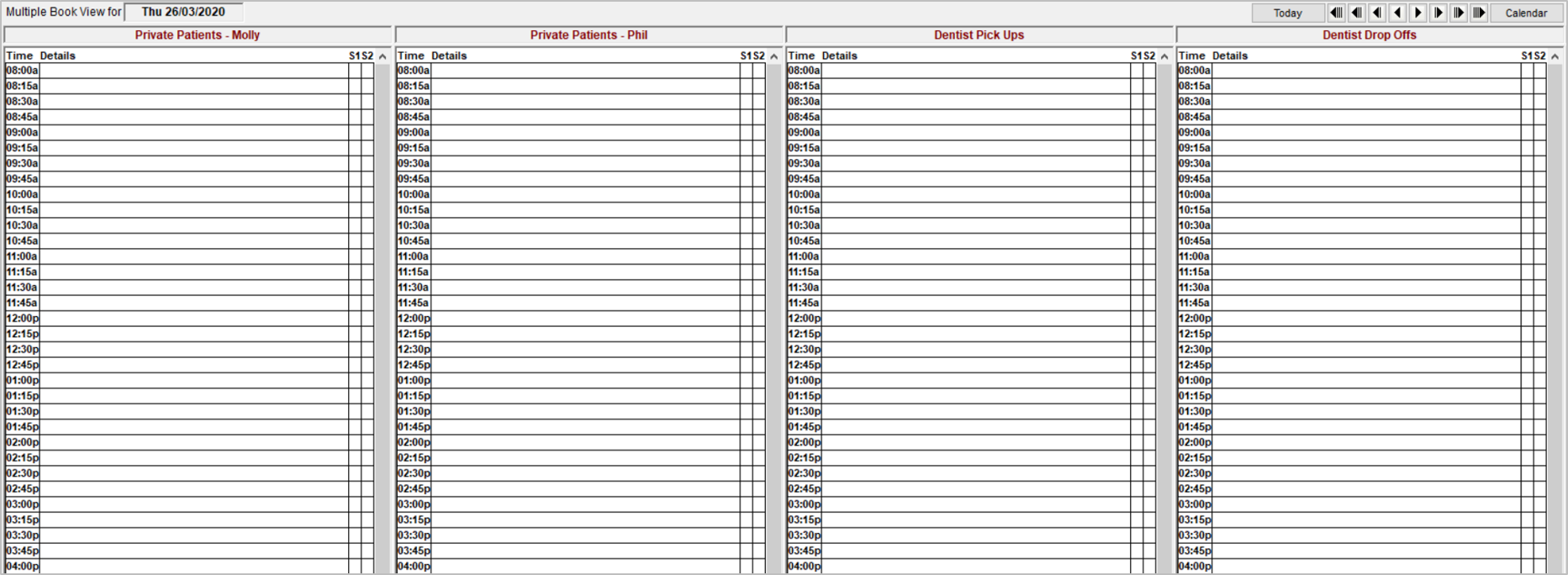
Option C - Dental Technician
Although a dental technician does not see private patients, they may still need to see patients referred by the dental clinic (e.g. a shade for tooth colour). Therefore, an Appointment Book should be created for the dental technician to record these appointments. They will also benefit from an Appointment Book for scheduled Pickups, and another for Drop offs. (If only one person is responsible for pickups and drop offs, there would be only need for one Appointment Book for both.)
Creating an Appointment
 When creating an appointment for a pick up/ drop off, if the dental clinic/dentist is a new client, it can be added as a new head directly into the appointment book. Their address can be entered into Notes and print Day Information (all books) Report for the pickups/ drop offs for the day.